MLTRONOME

Markelangelo Labs

MLTRONOME

Touch the hanging ball and pull — the angle sets the tempo, and the rhythm appears in notation while you hold. Let go, and the count begins: the ball swings on its thread. Every finger can hang another ball.

Features

Every ball is an instrument

The whole metronome is a gesture: no buttons, no menus while you play — grab a ball, pull it, let it swing.

Pull to set the tempo

Touch the ball and drag: the angle sets the tempo. While you hold, the rhythm appears in musical notation.

Up to twenty-four balls

Every finger is another metronome: hang up to twenty-four balls and run different tempi at once. Drag a ball down to take it away.

Twelve rhythmsPRO

Five rhythms in the base — four-on-the-floor, off-beat and waltz among them. PRO opens all twelve, from tresillo and swing to Euclidean, and lets you layer them into compound grooves.

Voices & chordsPRO

Wood, bell, glass and triangle in the base. PRO adds deep bell, organ, reed, strings, marimba, cowbell, timpani and gong — plus chords: octave, power, major, minor, sus4.

On stage

Quiet screen, precise sound

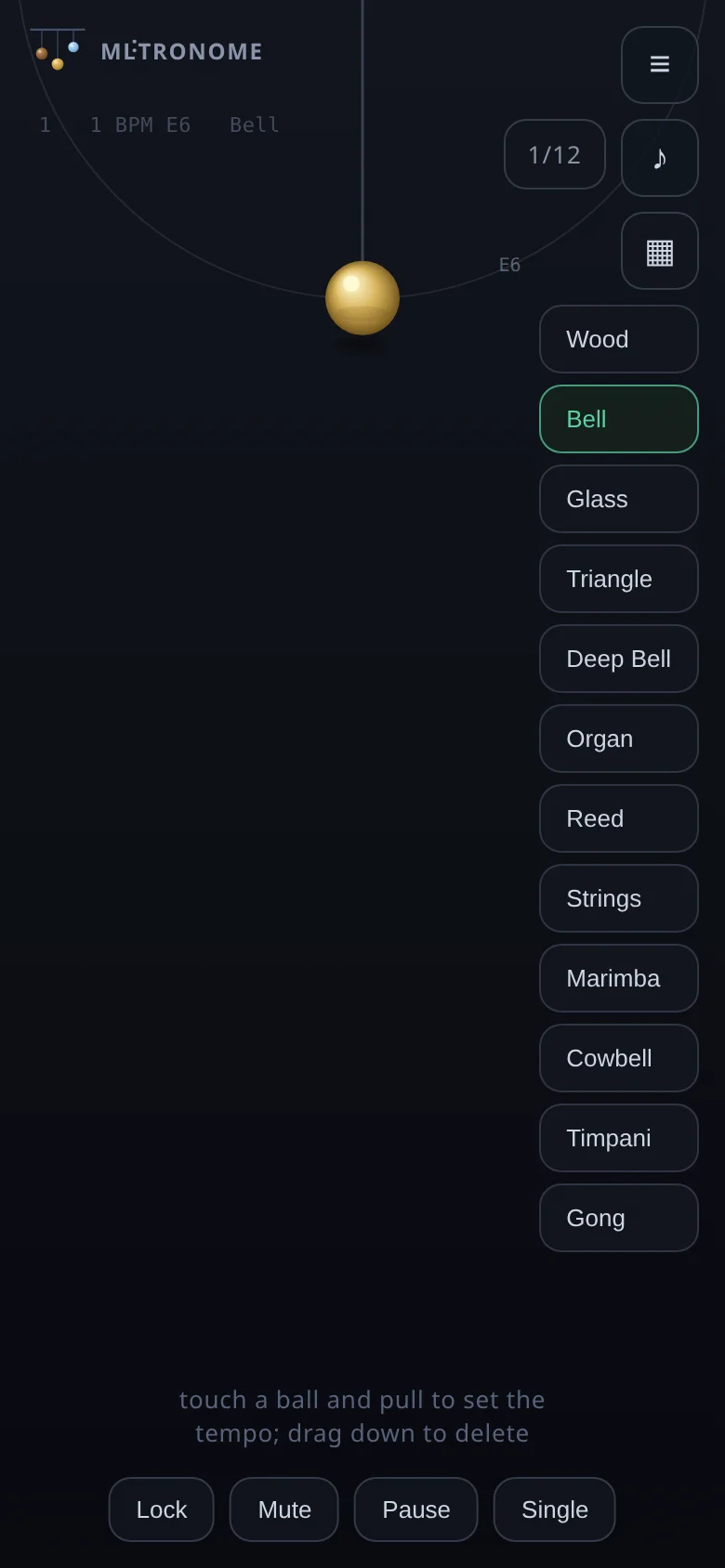
MLTRONOME main screen — the hanging ball
Every ball hangs at the top — grab one and pull
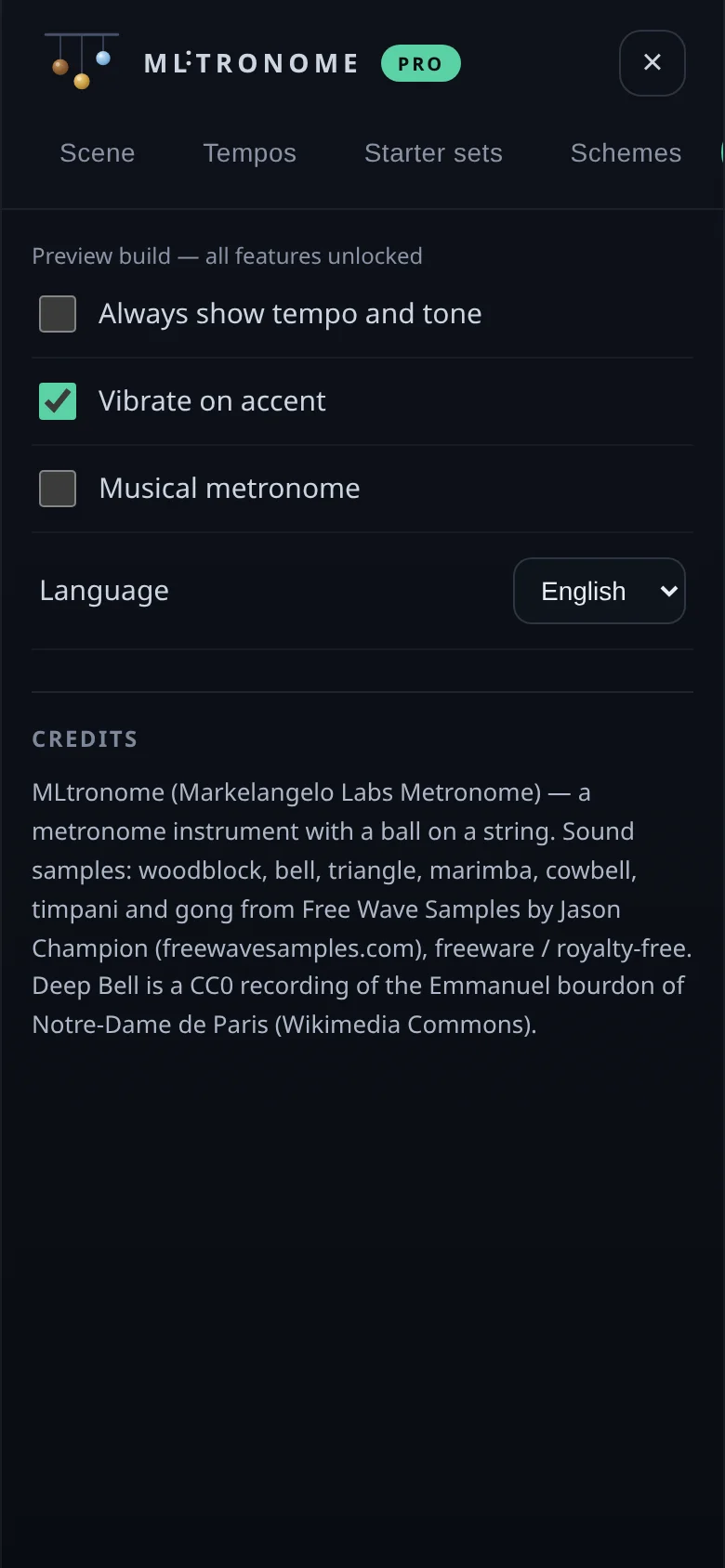
MLTRONOME settings
Settings — tempo, haptics and language
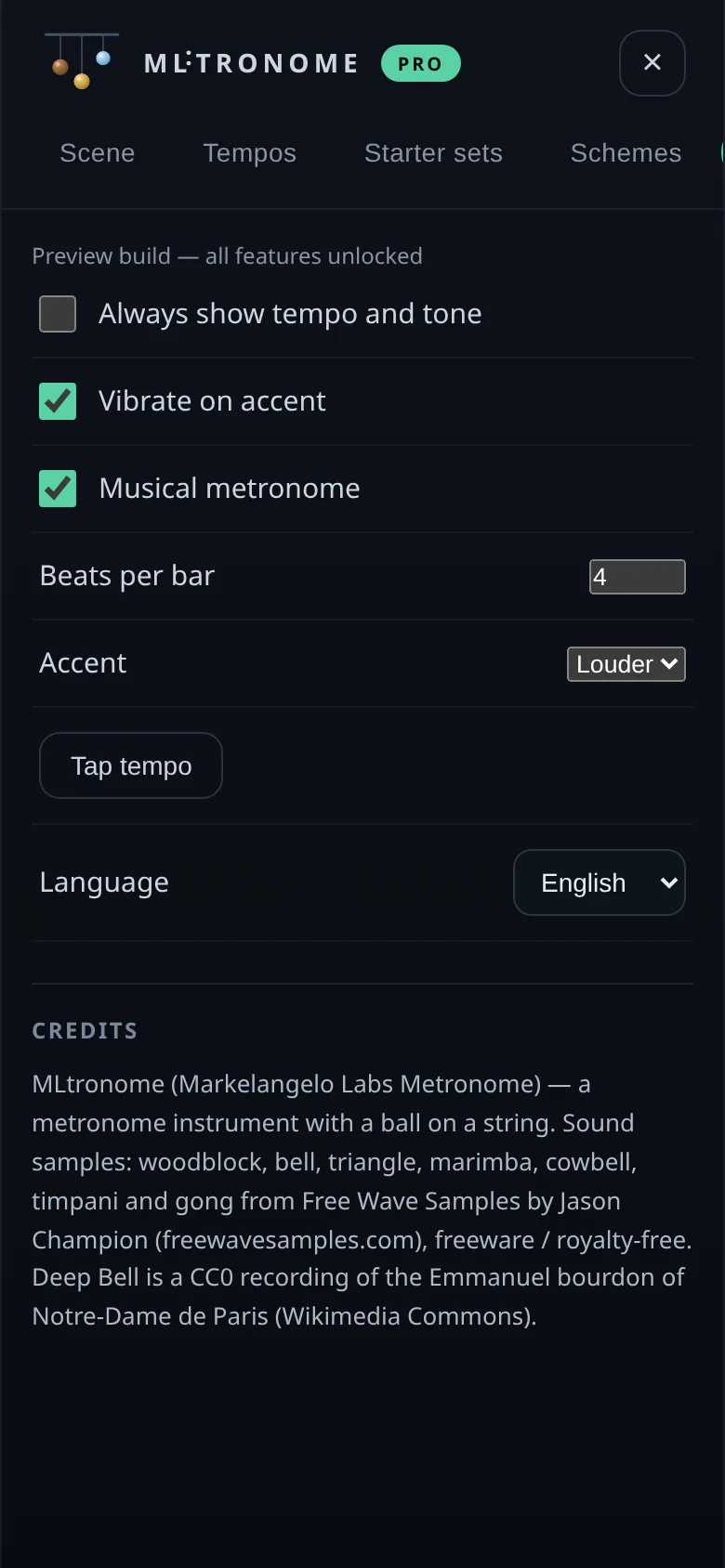
MLTRONOME musical metronome
Musical metronome — Maelzel scale, tap tempo (PRO)

Desktop

Same instrument, bigger stage

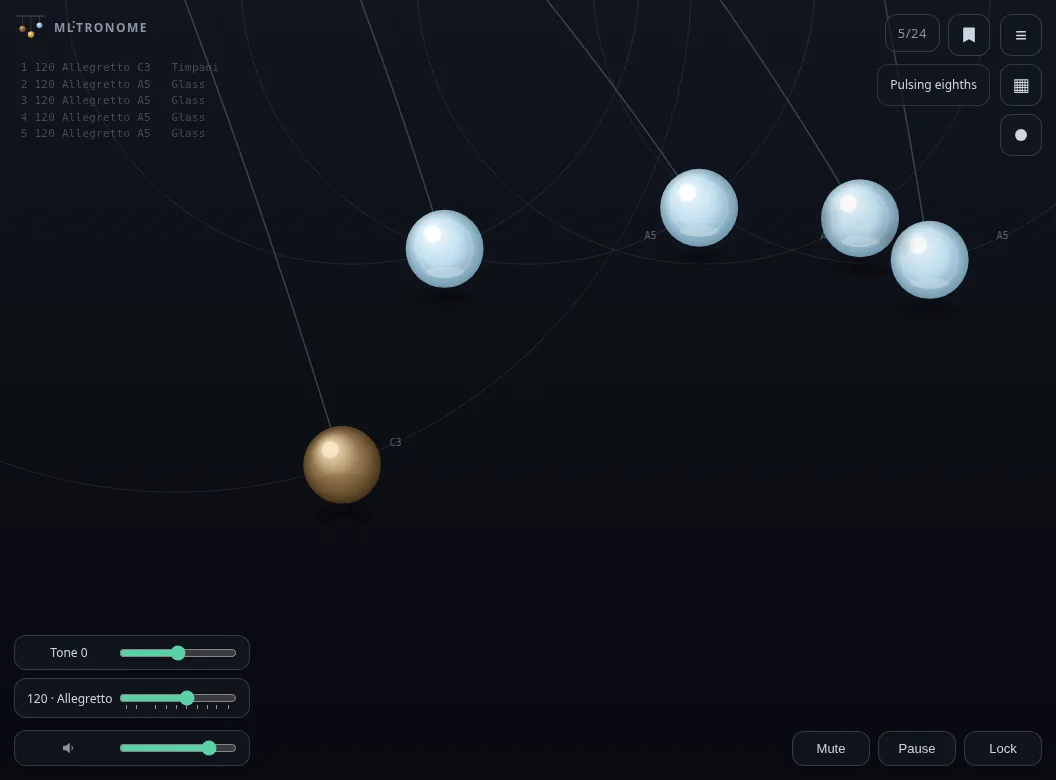
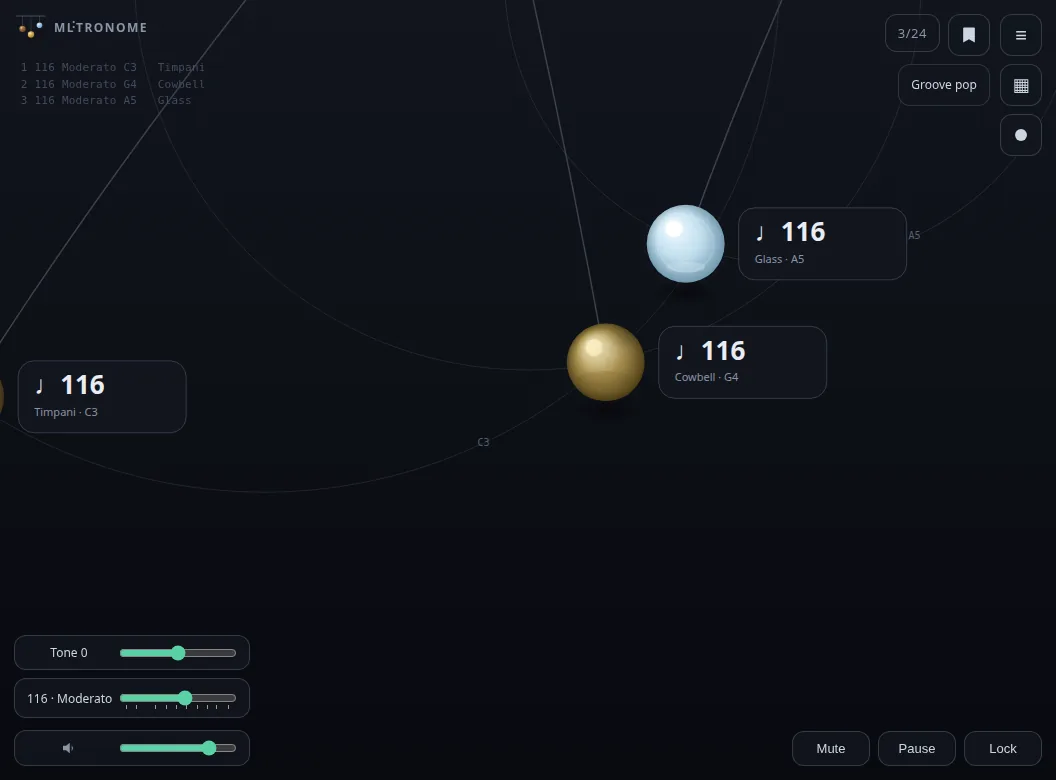
MLTRONOME on Linux — several balls on one stage
Several balls, each on its own thread
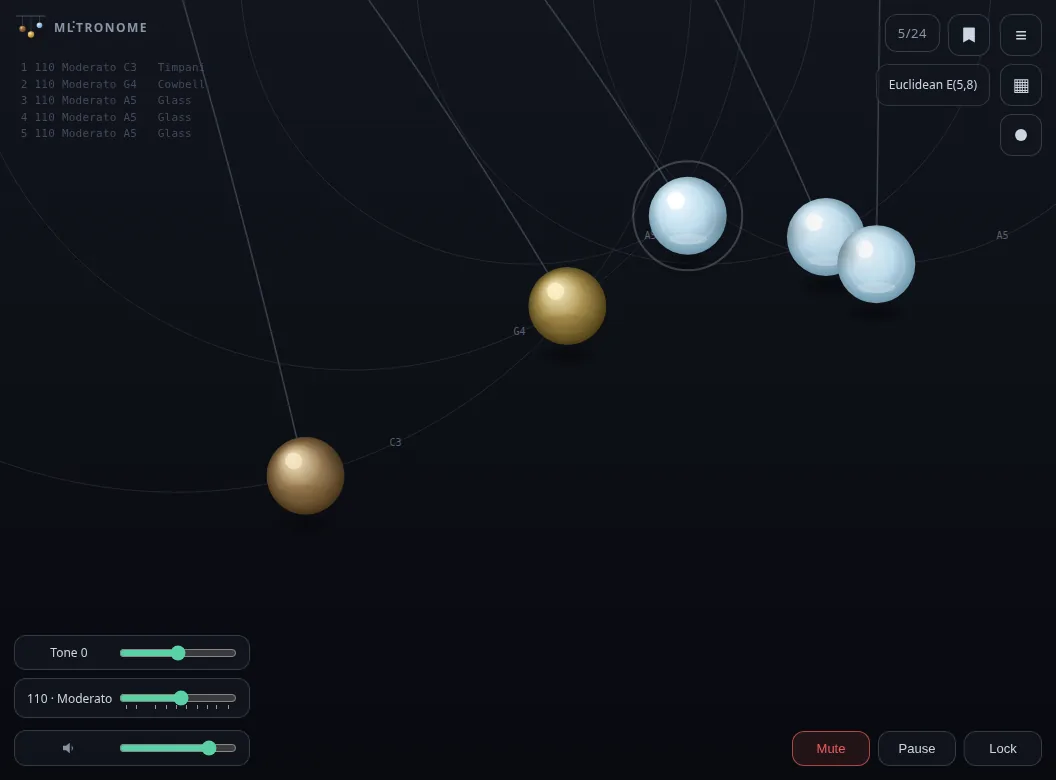
MLTRONOME on Linux — bells and glass tuned to the scale
Every voice on its own ball
MLTRONOME on Linux — a full scene with lock, mute and pause
A whole scene — lock, mute, pause

PRO — $9.99 once: all twelve rhythms, twelve voices and chords, the musical metronome with the Maelzel scale and tap tempo. No subscription.

Buy PRO

Versions

Start free, unlock PRO in one tap

FAQ

Questions and answers

How do I install the Android app?

Download the APK and open it — Android will ask to allow installs from unknown sources. Play Protect may warn too — choose Install anyway. If you see “App not installed”, remove any previously installed copy and try again. Requires Android 7.0 or newer.

How do I install the Windows version?

For the installer: Windows SmartScreen may show “Windows protected your PC” — click More info, then Run anyway. For the portable ZIP: extract it, then right-click the ZIP file, open Properties, tick Unblock and click OK before running the app.

What do I get after buying PRO?

A personal page: PRO installers for Android, Windows and Linux, and an “Activate PRO” button. Install the app first, then one tap on that button unlocks PRO — it checks that the app is present. The key is shown on the same page for manual entry on portable builds.

What is the difference between Base and PRO?

Base is the complete ball metronome — gesture tempo, up to twenty-four balls, five rhythms and four voices. Free forever. PRO adds all twelve rhythms, eight more voices, chords and the musical metronome (Maelzel scale, tap tempo).

Does it work offline?

Yes. The metronome and all sounds live on the device. Only the one-time license activation touches the network — after that, PRO runs without internet.